



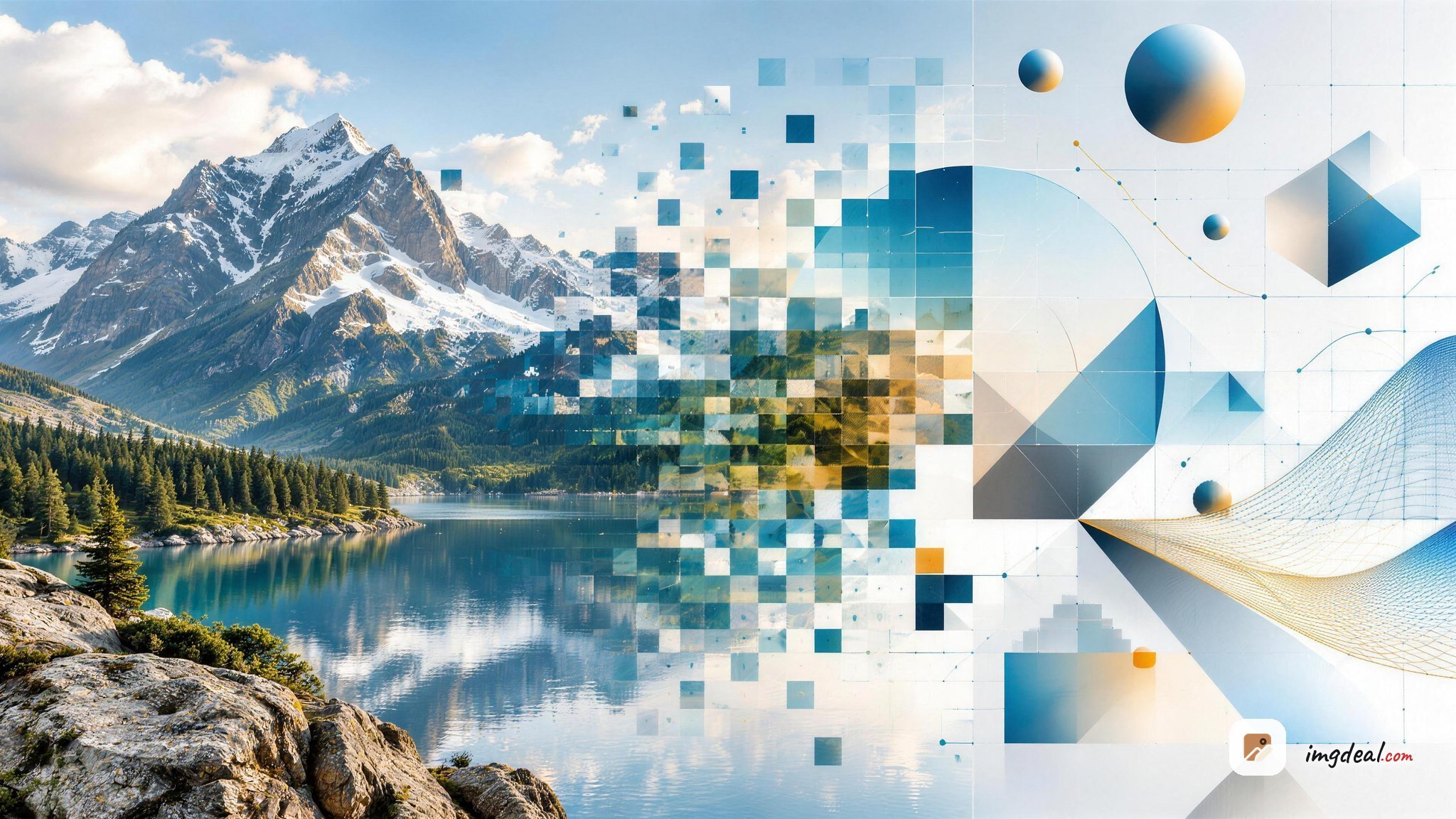
The short version of PNG vs SVG: PNG stores a fixed grid of pixels, so it wins for photos, screenshots, gradients, and anywhere the file has to work everywhere (email, social previews, old software). SVG stores math instructions for shapes, so it wins for logos, icons, and flat illustrations that need to scale cleanly at any size. They are not competing formats so much as tools for two different kinds of image.
The interesting part is the overlap: flat graphics where either could work. That is where most people pick wrong, and where pixels sometimes quietly beat paths.
Content Table
What PNG and SVG actually store
A PNG file is a grid of pixels with a colour value for each one, squeezed down with lossless DEFLATE compression. Nothing is thrown away, which is why a PNG screenshot looks identical to the original. The PNG specification supports 8-bit palette images (max 256 colours) and 24-bit truecolour plus an 8-bit alpha channel.
An SVG file is plain text. It is XML that says "draw a circle here, fill it with this gradient, follow this path". Your browser renders it fresh at whatever size you ask for. You can literally open one in a text editor:
<svg viewBox="0 0 24 24" xmlns="http://www.w3.org/2000/svg">
  <circle cx="12" cy="12" r="10" fill="currentColor"/>
</svg>
That is the whole difference between png and svg in one sentence: one is a finished painting, the other is the recipe. If you want the deeper theory behind that split, the breakdown of vector versus raster images covers how each one is rendered and stored.
PNG vs SVG side by side
| Feature | PNG | SVG |
|---|---|---|
| Type | Raster (pixel grid) | Vector (XML text) |
| Scales without blur | No, gets soft or blocky | Yes, at any size |
| Photos | Yes (though JPEG or WebP is smaller) | No, not practical |
| Transparency | 8-bit alpha channel | Native, shapes just aren't filled |
| Editable after export | Only by repainting pixels | Yes, edit shapes or the code |
| Restyle with CSS | No | Yes (colour, stroke, hover, dark mode) |
| Animation | Only via APNG (supported in all current browsers, rarely used) | CSS, SMIL, or JavaScript (scripts do not run when the SVG is loaded through <img>) |
| Works in email clients | Yes, everywhere | Mostly blocked |
| Safe to accept from users | Yes | Not without sanitising |
When pixels beat paths (pick PNG)
SVG gets treated as the automatic "modern" choice, but there are plenty of jobs where it is the wrong tool:
- Photographs and anything photographic. To make a photo into SVG you would have to trace it into thousands of polygons. The result is bigger, slower, and looks worse. Use PNG for lossless photo work, or a compressed format for delivery.
- Screenshots. Text rendered by an operating system is already pixels. PNG keeps it crisp with no recompression artefacts.
- Email. Gmail, Outlook, and most other clients strip or refuse to render SVG. Newsletter graphics need to be PNG or JPG, full stop.
-
Social and Open Graph previews.
Facebook, LinkedIn, and X do not render SVG for
og:image. Export a PNG at 1200x630. - Complex art with blurs, gradient meshes, or 10,000+ nodes. A heavy SVG makes the browser do real geometry work on every repaint. A flattened PNG is often smaller and far smoother to scroll past.
-
User-uploaded images.
SVG is code, and it can carry
<script>tags. Accepting raw SVG uploads without sanitising them is a known cross-site scripting risk. - Anything going into old software, print RIPs, or game engines as a texture. Raster is the universal language.
When paths beat pixels (pick SVG)
- Logos. One file works on a 16px favicon and a 3-metre trade show banner.
-
UI icons.
A single SVG replaces the old @1x/@2x/@3x PNG treadmill, and you can recolour it with
fill: currentColorso it follows your theme automatically. - Charts and diagrams. Text inside an SVG stays real text, so it can be selected, searched, and read by screen readers.
- Flat illustrations and spot graphics. Solid fills and simple gradients compress beautifully as paths.
- Anything animated on hover or scroll. You can animate individual shapes with CSS, which PNG simply cannot do.
The MDN SVG reference is the best place to look up which elements and attributes you can rely on in browsers.
The file size reality check
"SVG is always smaller" is only true for simple shapes. Rough real-world numbers for the same artwork:
| Artwork | As PNG | As SVG | Winner |
|---|---|---|---|
| 24px UI icon | ~1.5 KB (plus 2x and 3x copies) | ~400 bytes, one file | SVG |
| Flat two-colour logo, 512px | ~18 KB | ~3 KB | SVG |
| Detailed vector map with 8,000 paths | ~180 KB | ~900 KB | PNG |
| Product photo, 1600px | ~1.9 MB | Not viable | PNG (or WebP) |
Two levers most people forget. On the PNG side, quantising a flat graphic down to an 8-bit palette often cuts 60-70% with no visible change. On the SVG side, exported files from Illustrator, Figma, and Sketch are full of editor metadata, comments, and whitespace that can account for a third of the file before a single path is touched.
If bandwidth is the real problem, comparing PNG against modern compressed formats matters more than PNG against SVG. Our guide to image formats lays out where WebP and AVIF beat both, and a straight PNG to WebP conversion often halves the payload for photographic content.
Transparency works differently in each
Both handle transparency, but not the same way.
- PNG stores an alpha value per pixel (0-255). Soft shadows and feathered edges look great, but the edge was baked in at export, so scaling it up shows the softness.
- SVG has no background at all unless you draw one. Anything you do not fill is simply see-through, and edges stay razor-sharp at any zoom.
Gotchas that bite people
- Fonts in SVG. If your SVG references a font the viewer does not have, the text reflows or falls back to something ugly. Convert text to outlines before shipping a logo.
-
SVG in
<img>cannot be styled. External CSS does not reach inside. If you want hover colours, inline the SVG in your HTML or use a sprite. -
Filters are expensive.
feGaussianBlurand friends are rendered on every paint. A dozen blurred SVGs on one page will show up in your frame times. - PNG has no lossy setting. There is no "quality 80" slider. Your only real lever is reducing the colour count.
- SVG favicons still need a PNG fallback. Modern browsers accept an SVG favicon, but a 180px PNG apple-touch-icon is still required for iOS home screens.
- Phone photos are a separate question entirely. If you are dealing with camera output rather than graphics, the HEIC vs JPG comparison is the one you actually want.
A 20-second decision checklist
- Is it a photo, screenshot, or render? → PNG (or WebP/JPEG for delivery).
- Does it need to look sharp at wildly different sizes? → SVG.
- Is it going in an email or a social preview? → PNG.
- Does it need to change colour with a theme or animate? → SVG.
- Is the artwork extremely detailed (thousands of nodes, mesh gradients)? → PNG.
- Is it a logo or icon you will reuse everywhere? → SVG, with a PNG export kept around for the places that refuse it.
In practice, most brands ship both: SVG as the master for web and print, PNG exports at a few fixed sizes for email, app stores, and third-party platforms that only speak pixels.

Chose SVG? Strip the editor bloat before you ship it
When the png vs svg decision lands on SVG, exports from Figma, Illustrator, and Sketch still carry comments, metadata, and whitespace you do not need. Our SVG Optimizer removes all three across up to 50 files at once and shows you the exact savings percentage, with viewBox and presentation attributes left intact.
Optimize your SVG files →
Not properly. Auto-tracing tools can approximate simple flat shapes as paths, but the result is an estimate, not the original artwork. Edges get wobbly and file size often balloons. For logos, go back to the designer's source file in Illustrator, Figma, or Sketch and export SVG from there.
It depends on the artwork. SVG is far smaller for icons and simple logos, often under 1 KB. For detailed illustrations with thousands of paths, SVG can be several times larger than a flattened PNG and costs CPU time on every repaint. Test both with your actual files.
Not without sanitising it first. Because SVG is XML, it can contain script tags, event handlers, and external references, which makes raw uploads a cross-site scripting risk. Either strip those elements server-side or convert uploads to PNG. PNG carries no executable content.
Yes, but differently. PNG uses an 8-bit alpha channel with 256 levels per pixel, so soft shadows and feathered edges work well. SVG has no background unless you draw one, and unfilled areas are simply transparent with perfectly sharp edges at any zoom level.
Use both. Modern browsers accept an SVG favicon and it adapts nicely to dark mode with a media query. You still need PNG fallbacks: a 180x180 apple-touch-icon for iOS home screens and a 32x32 PNG or ICO for older browsers and some feed readers.