Finding the right online images editor can transform how you handle visual content in 2026. Whether you're an e-commerce seller processing hundreds of product photos, a social media manager creating daily posts, or a blogger optimizing images for faster load times, browser-based editing tools have evolved to rival desktop software. Modern web editors now offer professional-grade features without downloads, subscriptions, or steep learning curves. This guide explores seven essential capabilities that separate powerful online editors from basic tools, helping you choose solutions that match your workflow needs.
Batch Processing for High-Volume Workflows
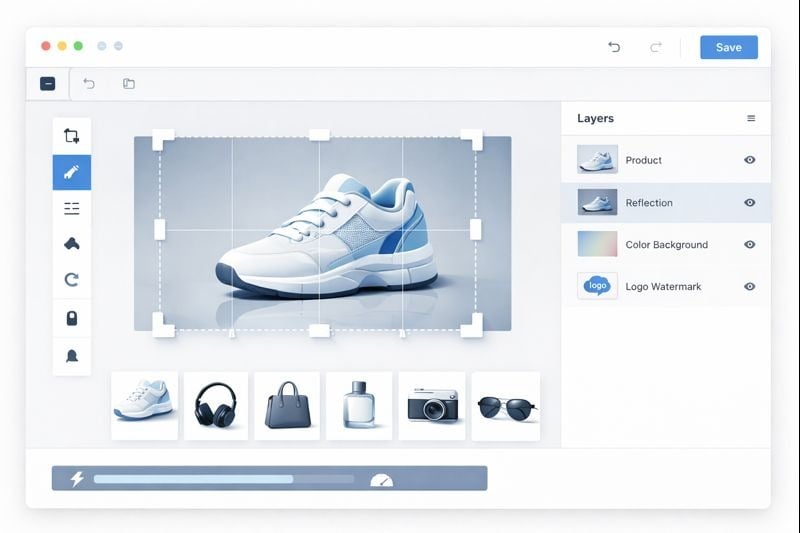
Processing images one at a time wastes hours when you're managing product catalogs or social media campaigns. The best online editors now support batch processing that handles 50 or more images simultaneously. This feature proves invaluable for e-commerce sellers who photograph new inventory weekly or content creators preparing multiple platform versions of the same image.
Batch workflows should let you apply consistent edits across all selected files. Resize 100 product photos to identical dimensions, add watermarks to an entire gallery, or convert formats in bulk without repetitive manual work. Sarah Chen, who manages an Etsy store with 300+ listings, reports saving 6 hours weekly after switching to batch-capable editors: "I photograph products on weekends and process everything Monday morning. Batch cropping and watermarking transformed a full day task into 30 minutes."
Real-World Batch Processing Applications
- Product photography: Standardize backgrounds, dimensions, and file sizes across catalogs
- Social media content: Create platform-specific versions (Instagram square, Facebook landscape, Pinterest vertical)
- Blog optimization: Compress images for faster page loads while maintaining quality
- Event photography: Apply consistent color correction and branding to large photo sets
Non-Destructive Editing with Layer Support
Traditional editing permanently alters original files, forcing you to maintain multiple versions or lose flexibility. Non-destructive editing preserves your source images while tracking all modifications as reversible adjustments. This approach mirrors professional image editing software workflows but runs entirely in your browser.
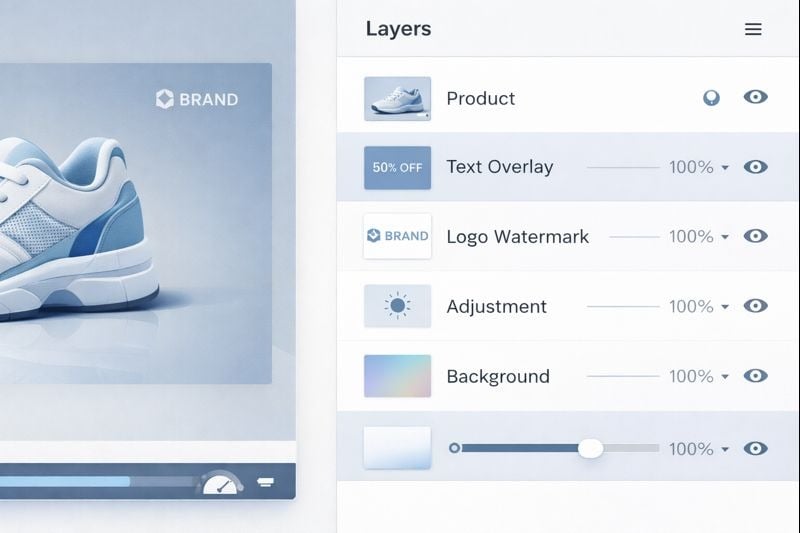
Layer support adds another dimension of control. Separate text overlays, graphics, filters, and adjustments onto independent layers you can toggle, reorder, or modify without affecting other elements. Marketing manager James Rodriguez uses layers for A/B testing ad creatives: "I create one base image with product photos, then duplicate it with different headline layers. Testing five variations takes minutes instead of starting from scratch each time."
Benefits of Non-Destructive Workflows
Non-destructive editing eliminates the fear of permanent mistakes. Experiment with bold color adjustments, dramatic crops, or heavy filters knowing you can revert to your original with one click. This encourages creative exploration while maintaining professional quality standards. Food blogger Maria Santos notes: "I used to play it safe with edits because redoing work felt wasteful. Now I test dramatic color grades and lighting adjustments freely, keeping what works and discarding what doesn't."
Precision Tools for Specific Tasks
General-purpose editors work for basic needs, but specialized tools deliver superior results for focused tasks. Precision cropping tools offer features like aspect ratio locking, rule-of-thirds overlays, and pixel-perfect positioning that basic crop functions lack. These details matter when creating professional marketing materials or maintaining brand consistency across platforms.
Brand protection requires equally specialized capabilities. Watermarking solutions should support custom logo uploads, opacity controls, positioning presets, and batch application. Photographer David Kim protects client galleries efficiently: "I upload 200 wedding photos and apply my studio watermark to all simultaneously. The tool remembers my preferred corner placement and 40% opacity, so consistent branding takes seconds."
Essential Specialized Features in an Online Images Editor
- Advanced cropping: Preset ratios for social platforms, custom dimensions, content-aware suggestions
- Watermark management: Logo libraries, positioning templates, variable opacity, batch protection
- Format conversion: Lossless transformations between JPEG, PNG, WebP, and other formats
- Compression optimization: Quality-preserving size reduction with visual comparison sliders
Key Takeaways:
- Batch processing capabilities save hours when handling product catalogs or social media campaigns by applying edits to 50+ images simultaneously
- Non-destructive editing with layer support enables creative experimentation without risking original files or requiring multiple saved versions
- Specialized tools for cropping and watermarking deliver professional results faster than general-purpose editors
- Real-time preview performance ensures efficient workflows without frustrating lag between adjustments and visual feedback
Real-Time Preview and Performance
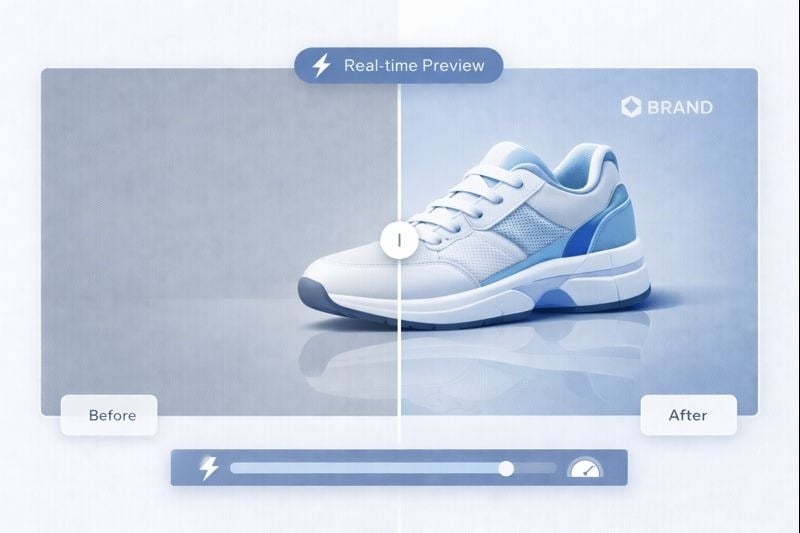
Slow preview rendering kills productivity. Professional workflows demand instant visual feedback when adjusting filters, resizing images, or applying effects. Modern HTML5 technologies enable browser-based editors to process adjustments in real-time, matching or exceeding desktop software responsiveness.
Performance matters most when working with high-resolution images or complex edits. An editor that handles 4000x3000 pixel product photos smoothly prevents workflow interruptions. Social media coordinator Lisa Thompson switched editors specifically for performance: "My old tool lagged terribly with large files. I'd make an adjustment, wait five seconds for preview, realize it wasn't right, and repeat. My current editor shows changes instantly, cutting editing time in half."
Additional Must-Have Features
Beyond the core capabilities above, modern online editors should include format flexibility (supporting JPEG, PNG, WebP, SVG), cloud integration for accessing files from Google Drive or Dropbox, and mobile responsiveness for editing on tablets. Undo/redo functionality with extensive history prevents costly mistakes, while keyboard shortcuts accelerate repetitive tasks.
Collaboration features increasingly matter for team workflows. Shared workspaces, commenting systems, and version control help marketing teams coordinate visual content creation without endless email attachments. Template libraries provide starting points for common formats like social media posts, thumbnails, or promotional graphics.
Conclusion
The right online images editor combines batch processing efficiency, non-destructive flexibility, specialized precision tools, and responsive performance. These capabilities transform browser-based editing from a compromise into a genuine alternative to desktop software. Whether you're protecting brand assets with watermarks, processing product catalogs efficiently, or creating social media content at scale, modern web editors deliver professional results without installation hassles or subscription costs. Evaluate tools based on your specific workflow needs, testing batch capabilities and performance with your actual image sizes and editing requirements.
FAQ
Yes, modern online editors support non-destructive editing, layer management, and high-resolution processing that meets professional standards. While advanced retouching still favors desktop software, browser-based tools now handle most e-commerce, social media, and content creation workflows effectively. The key is choosing editors with batch processing, precision tools, and real-time performance rather than basic free options.
Batch processing lets you select multiple images and apply identical edits to all simultaneously. Upload 50 product photos, set your desired crop dimensions and watermark settings, then process everything in one operation. This eliminates repetitive manual work and ensures consistency across large image sets. Look for editors that remember your batch settings for recurring tasks.
Non-destructive editing preserves your original images while tracking all modifications as reversible adjustments. You can experiment freely with filters, crops, and color corrections without permanently altering source files. This approach saves storage space (no need for multiple versions), enables creative exploration without risk, and lets you revise edits weeks later if needs change.
Specialized tools often deliver better results than all-in-one editors for specific tasks. Dedicated cropping tools offer aspect ratio presets, composition guides, and pixel-perfect positioning. Watermarking tools provide logo libraries, batch protection, and positioning templates. Many professionals use general editors for overall adjustments and specialized tools for precision tasks requiring advanced controls.
Real-time preview dramatically impacts editing efficiency. Instant visual feedback lets you fine-tune adjustments quickly, while lag between changes and preview updates slows workflows and causes frustration. This matters most when working with high-resolution images or making subtle color corrections that require immediate comparison. Test editors with your typical file sizes before committing to ensure smooth performance.